Blog
8 Essential Privacy Settings You Should Enable on Your E-Wallet Today
Filipino consumers are now becoming increasingly aware that their digital convenience comes with hidden risks. Search terms like “is Maya safe for savings” are starting to creep up in volume as more and more Filipinos learn about the value of digital security.
With more people dependent on e-wallets like Maya and GCash for daily spending, the prevalence of phishing attempts, SIM swap scams, and account takeovers has also risen. Regulators and providers are stepping up to strengthen their defenses, but at the end of the day, users are also responsible for their own digital accounts.
The good news is that many e-wallets
already offer a plethora of security features. However, in many cases, you must
activate them before they can be of any use. If you want your e-wallet to work
harder for you without putting your privacy at risk, here are the essential
settings to enable today:
1) Activate Two-Factor or Multi-Factor Authentication
Cybercriminals have already developed many clever workarounds to defeat passwords. While they’re still essential, just having passwords is are no longer enough. Fortunately, adding at least one more second verification step (a second factor) drastically reduces the risk of someone breaking into your account.
Many providers use one-time passwords
(OTPs), biometrics, or authenticator apps as the additional factors for account
verification. However, you must make sure these are set up properly. Taking a
few extra seconds to authenticate is well worth the security payoff, especially
in today’s security climate.
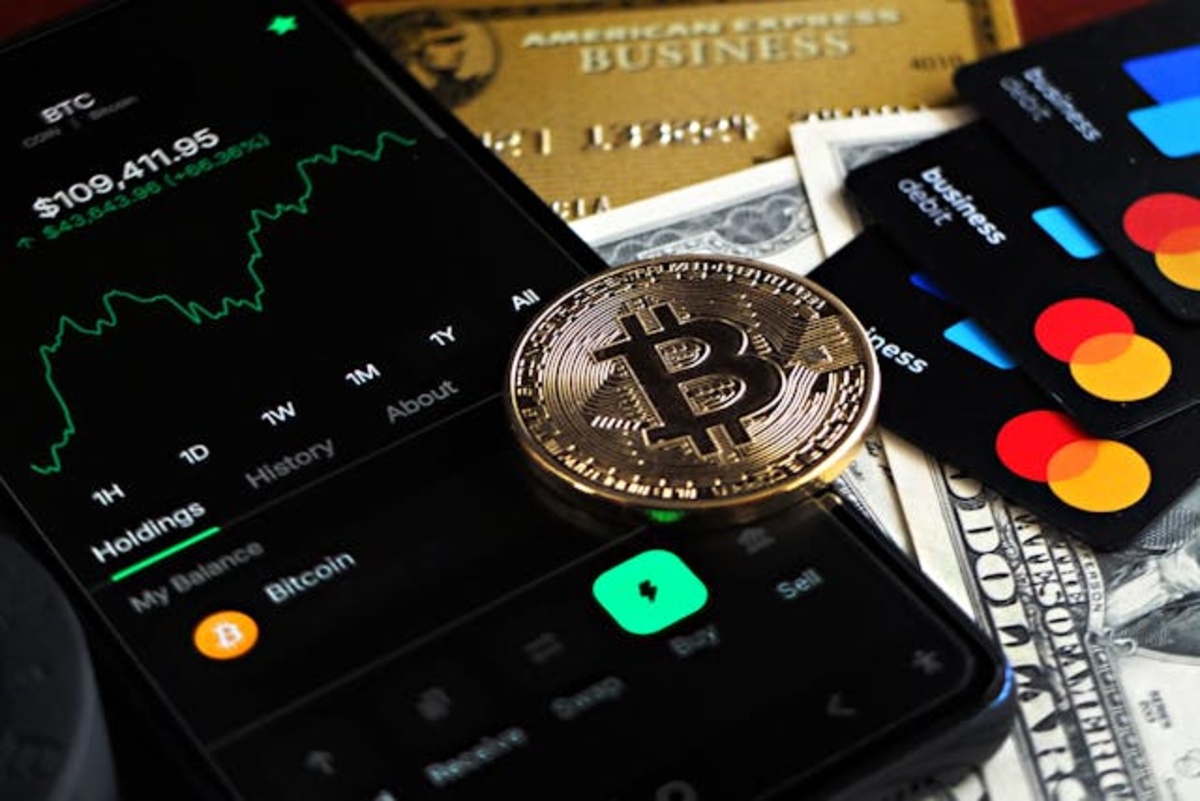
Photo by DΛVΞ GΛRCIΛ from Pexels
2) Enable Biometric Login
Typing out passwords in public places isn’t always safe, and you might be
surprised how easily someone can figure out your password by slyly looking over
your shoulder. These days, you’re much better off enabling biometric logins
through fingerprint or face recognition. These tie app access to something
uniquely yours. Though activation is usually optional and subject to your
consent on e-wallets, it’s faster, more secure, and avoids the risk of reusing
and forgetting passwords across multiple apps.
3) Turn On Real-Time SMS Transaction Alerts
A lot of people see these as a nuisance, but they can be a lifesaver for your
e-wallet. The sooner you know about suspicious activity, the faster you can
respond. Enabling instant push notifications or SMS alerts for every
transaction ensures no movement in your account goes unnoticed.
4) Restrict Access on Linked Devices
If you regularly use multiple phones,
you might forget that your e-wallet is logged on to a phone you don’t have
physical access to. Fortunately, most e-wallet apps allow you to review and
revoke access to linked devices, or they require re-authentication when a new
device is added. Reviewing and clearing this list or enabling device
authorization prevents unauthorized access when your phone is lost, sold, or
borrowed.
5) Customize Your Privacy and Data Sharing Preferences
Some e-wallet apps let you adjust data-sharing preferences, allowing you to
limit your digital footprint. You may find options for turning off third-party
access or controlling how your data is used. Taking a few minutes to configure
these options reduces the chance your account details will be exposed in ways
you didn’t agree to.
6) Set Spending and Transfer Limits
If you regularly keep a balance in your e-wallet, setting daily or
per-transaction caps is a smart precaution. Some wallet providers allow users
to set spending and card controls through their apps. Even if someone manages
to compromise your account, limits can prevent large sums from vanishing in one
go, giving time to freeze the account and mitigate the losses. This feature can
be particularly useful for power users who store significant funds for
businesses or large households.
7) Enable Account Freezing
Some e-wallets let you instantly
freeze your account within the app with just a few taps. Be sure to bookmark
this feature and learn where it’s located so you can act quickly if you notice
any unusual transactions. A temporary freeze should help you limit unauthorized
use while you resolve the issue.
8) Regularly Update Your PINs and
Passwords
Hackers know that many people use the same usernames and passwords across different accounts. This means that, if they get one of your credentials right, they may use the same ones across all your accounts.
Avoid this by updating your e-wallet
and other account passwords every few months. While e-wallet providers now
emphasize biometrics and OTPs, strong, unique logins remain one of the simplest
yet most effective ways to secure your account against evolving threats.
Make Your Digital Security a Daily
Habit
Cybercriminals are already working
hard to undermine the digital systems that Filipinos depend on for day-to-day
finance. While it does take some effort, protecting your e-wallet is worth
doing. It’s not just about avoiding fraud but also about building the
confidence you need to move and spend in today’s digital environments.
Photo Gallery


Comments